Add Some Fun to Your Virtual Meetings & Promote Playworks with Zoom Backgrounds

  1. Updates

Many of us will begin this year continuing the work from home life and  spending a lot of time in virtual meetings. Please consider using one of these Playworks Zoom Backgrounds as you participate. Not only will it help you maintain a (playful) professional background, but you will also represent Playworks in the process. Win, win!

How to use: 

  1. Download Playworks Zoom Background to your computer
  2. Sign into Zoom
  3. Click Settings
  4. Click Virtual Background
  5. Click Add Image to select and upload Playworks Background
  6. To disable Virtual Background, choose the option None

Browse Playworks Zoom backgrounds: 

Field with Playworks Ball (Click link to download)



Equipment Room/Blue (Click link to download)



Teamwork (Click link to download)



Office Space (Click link to download)
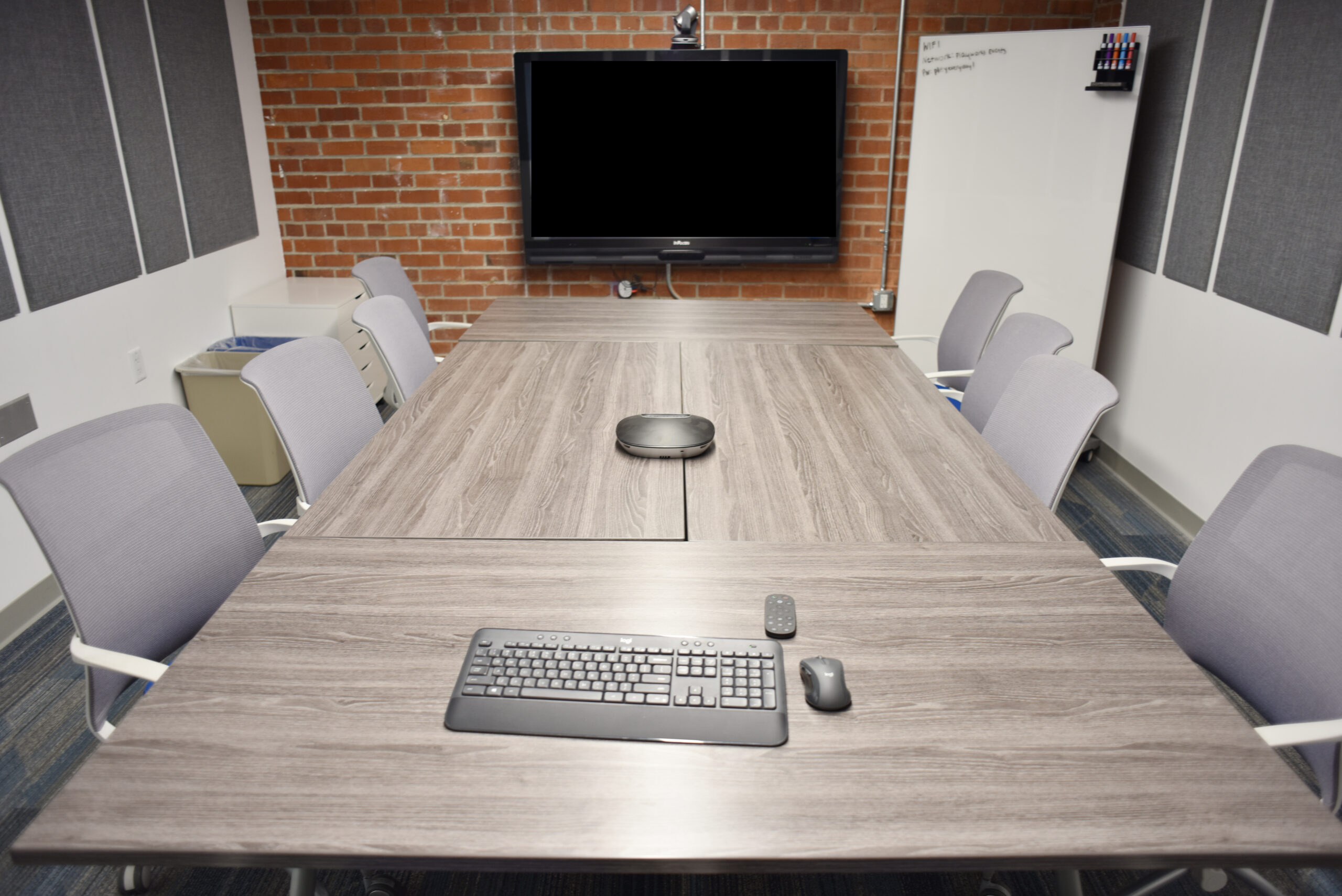


Festive Office Space  (Click link to download)
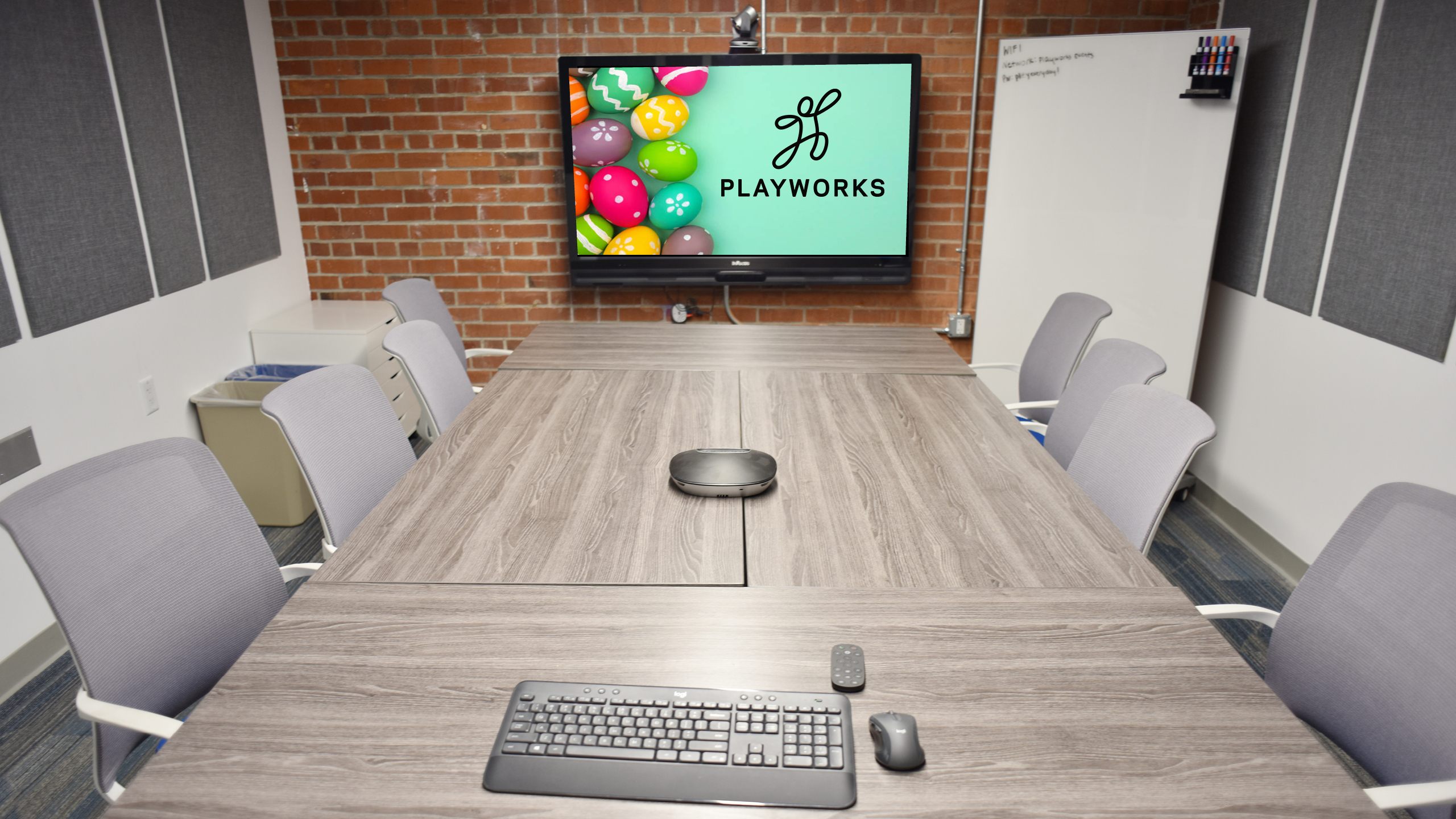


Office Space with Playworks Logo (Click link to download)
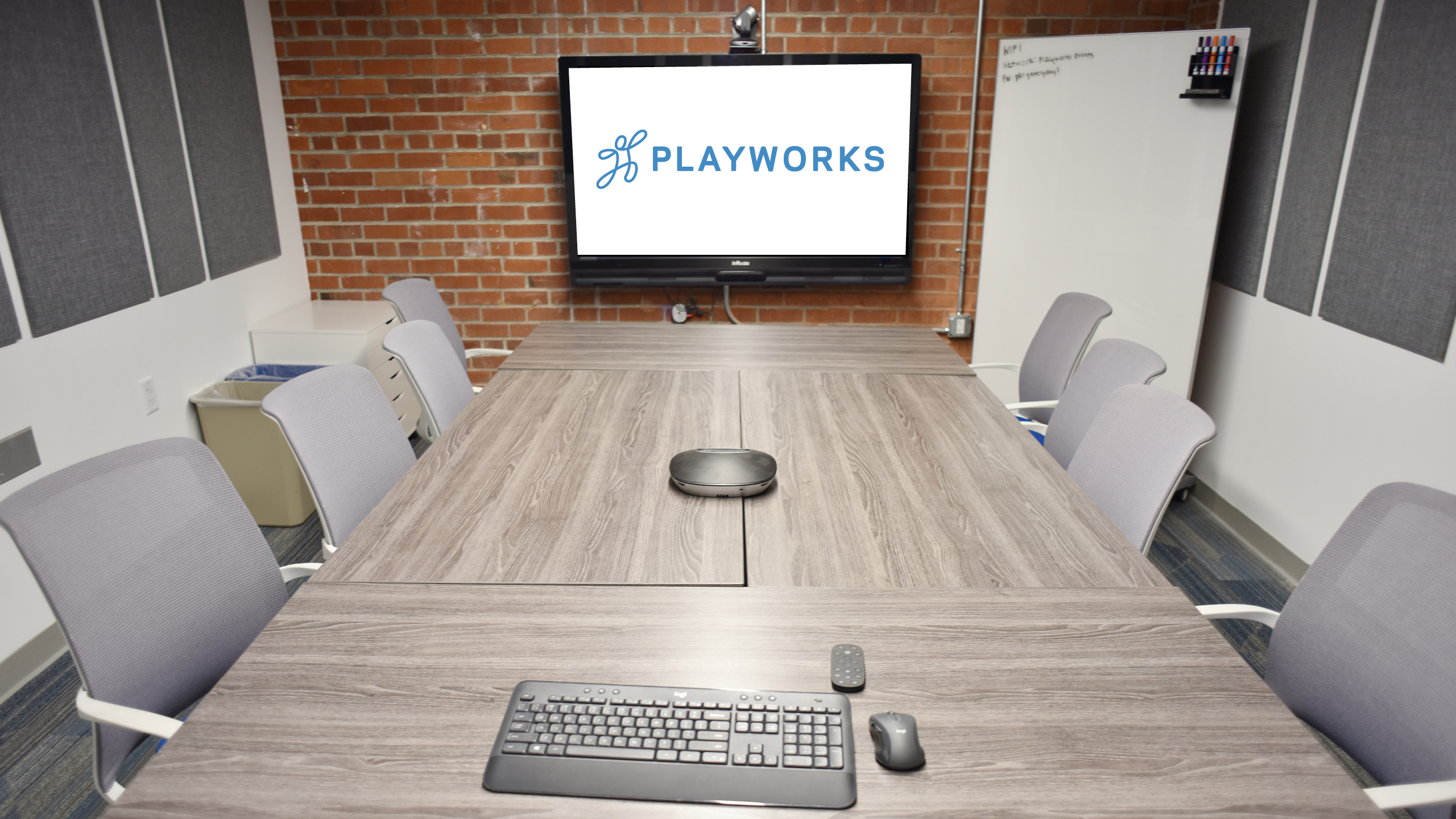


Playworks Backdrop  (Click link to download)



More Updates


September 30, 2025

6 Game Tips for a Strong Start to the School Year ›

We are wrapping up our back-to-school blog series with some tips to help kick off the year with play! The first few weeks of school have a huge impact on…

September 23, 2025

5 Fun & Easy Recess Games to Kick Off the School Year ›

Our back-to-school blog series continues with a collection of recess games that are quick to teach and guaranteed to keep students engaged! The first few weeks of school are full…

September 16, 2025

Back to School Claps, Cheers, and Cooldowns ›

To help ensure the new school year is off to a strong start, we’re sharing a series of back to school games and play tips. Next up – Cheers, claps,…